
Tailwind CSS Components
Adds component classes like btn, card and more to Tailwind CSS

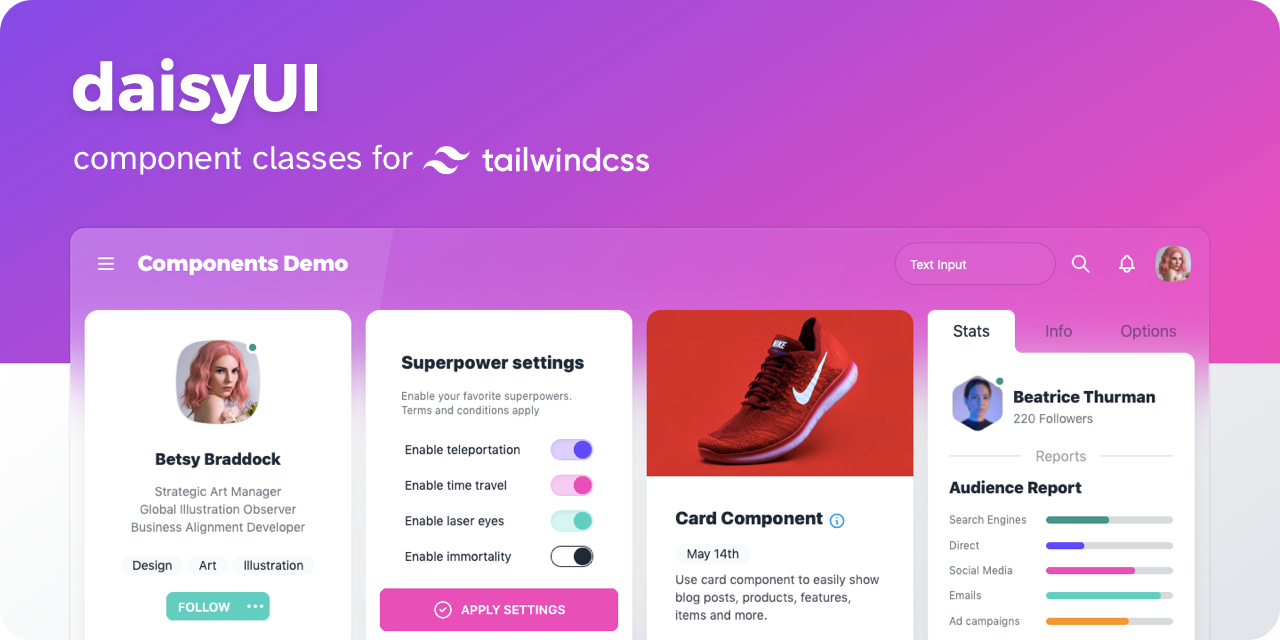
daisyUI
- 👉 [ See all components ]
- 📘 Documents: daisyui.com
- 🎲 Try it online: Tailwind Play | Codepen
- 📦 Source: GitHub | NPM | Unpkg | JSdeliver | cdnjs
🌼 Features
show / hide
- Tailwind CSS plugin
daisyUI is a Tailwind CSS plugin. Install it and add it to yourtailwind.config.jsfile. - Component classes
Adds component classes to Tailwind. Classes likebtn,card,… So you will end up with a cleaner HTML. - Semantic color names
Adds color names likeprimary,secondary,accent,…. - Customizable
You can customize the design of components with Tailwind utility classes and CSS variables. - Themeable
Add multiple themes and customize colors. You can even set a theme for a specific section of your page. - RTL supported
Enablertlconfig for right to left layouts. - Pure CSS
No script file, no dependencies. Works on all frameworks and environments!
📀 Install now!
npm i daisyui
Then add daisyUI to your tailwind.config.js
[ Read more ]
module.exports = {

  plugins: [
    require('daisyui'),
  ],

}
Or use a CDN
Loading CSS files from CDN is not recommended for production. It’s better to install Tailwind and daisyUI as Nodejs dependencies so you can config/customize everything, and purge unused styles.*
<link href="https://cdn.jsdelivr.net/npm/daisyui@1.16.0/dist/full.css" rel="stylesheet" type="text/css" />
<link href="https://cdn.jsdelivr.net/npm/tailwindcss@2.2/dist/tailwind.min.css" rel="stylesheet" type="text/css" />
🚀 Use
Use component classes to build your UI.
<a class="btn">Hello!</a>
<input type="checkbox" class="checkbox"/>
<input type="checkbox" class="toggle"/>
<div class="alert alert-success">
  Message sent successfully
</div>
👉 See all components
🎲 Try it online
📘 Documents + Examples
See the official site:
[ daisyui.com ↗︎ ]
🤝 Contributing
Read the documents for more info:
[ Read contribution guide ]
List of Components
show / hide
Featured on:
show / hide
- Blogs
- Youtube videos
- Courses
༼ つ ◕_◕ ༽つ Please share
v0.3.3[beta]
v0.3.3[beta]