xfetch
A fast, lightweight, and highly customizable system information fetcher for the terminal, built in Rust. Display your system info with style and flexibility across Windows, Linux, and macOS.
0
0
0
public
Forked
Xfetch





A cross-platform system information fetching tool inspired by fastfetch and neofetch, written in Rust.


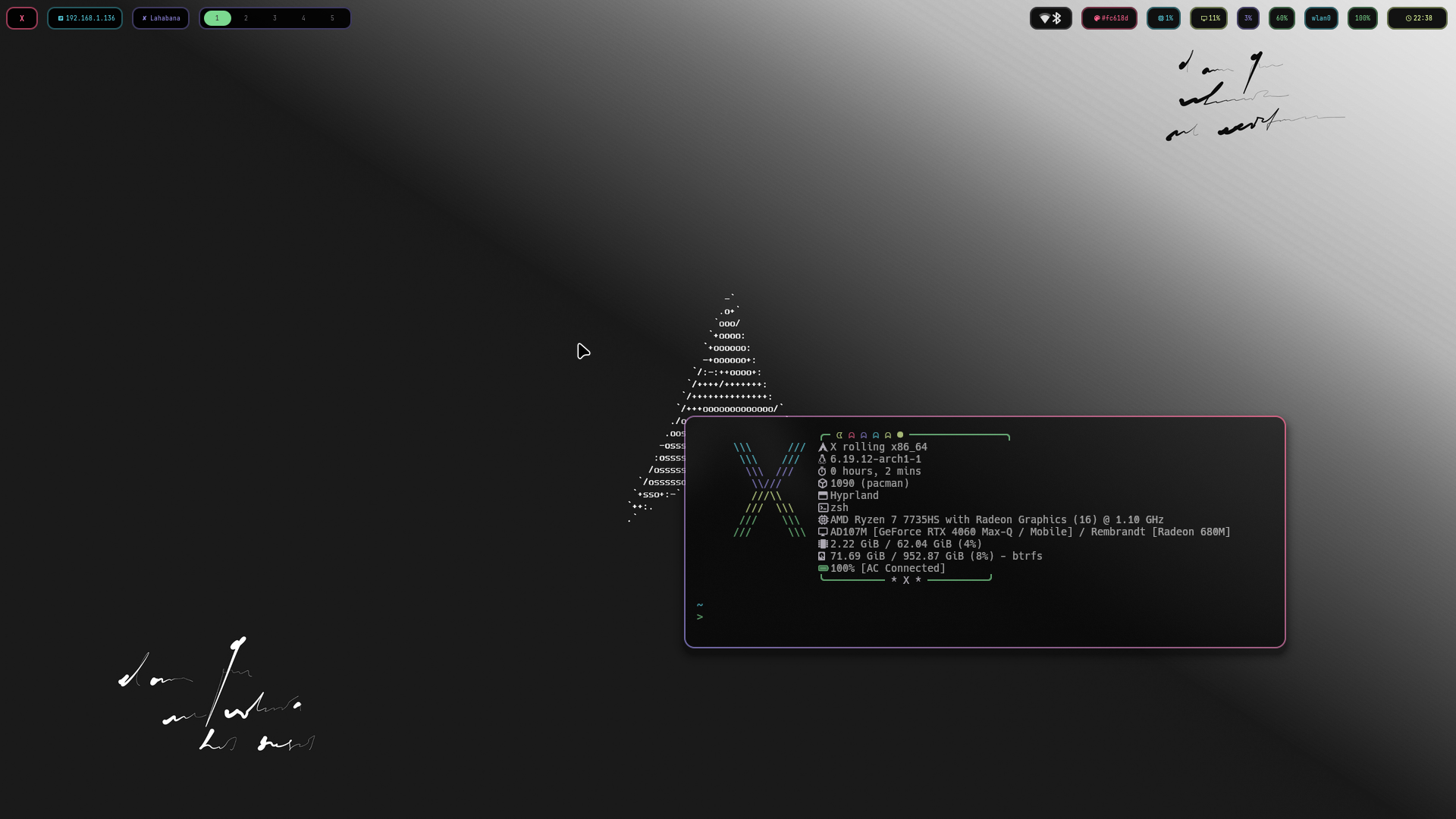
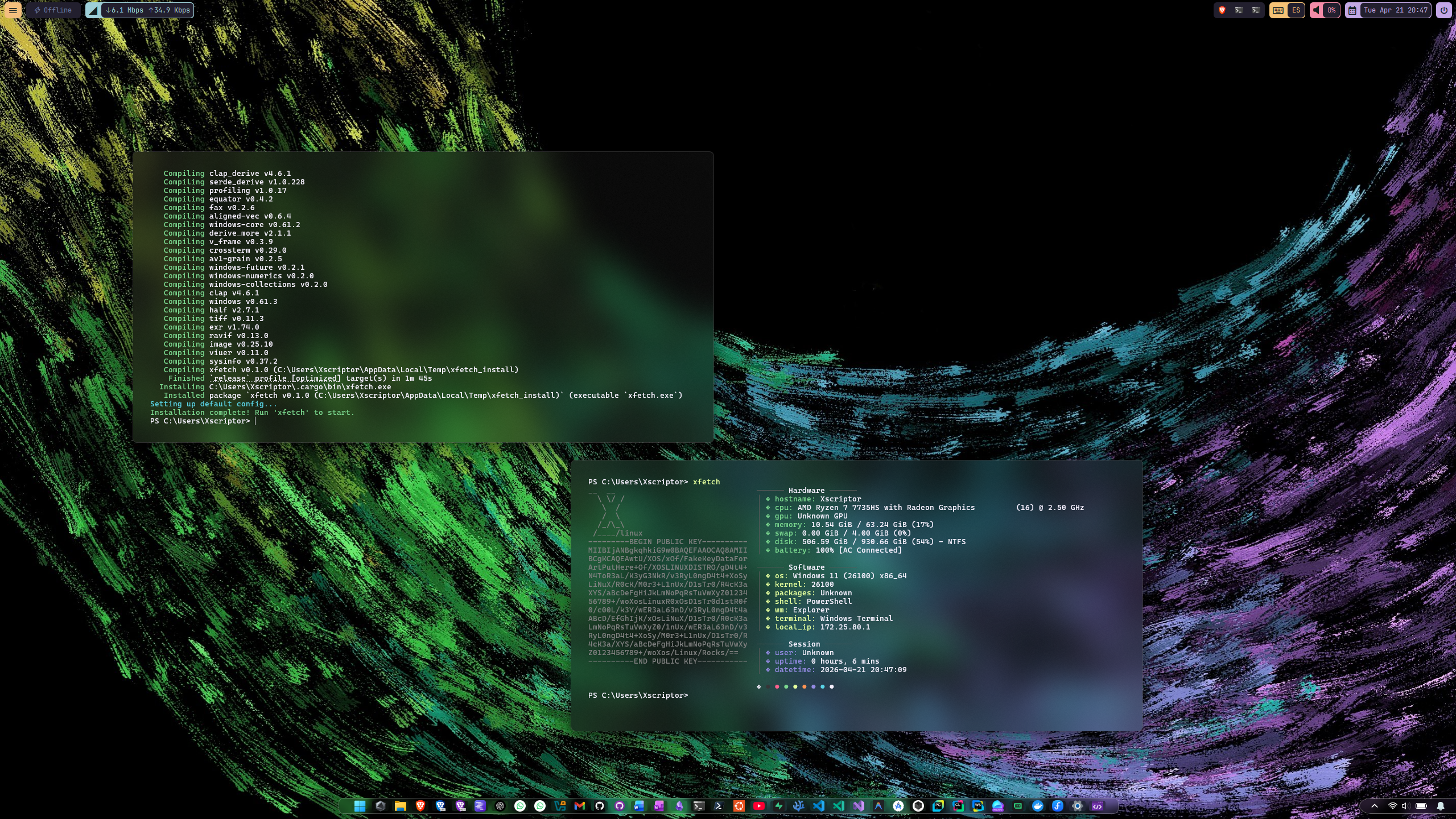
Previews

More previews
|
|
Quick Install
Linux  /
/  macOS
macOS
curl -fsSL https://raw.githubusercontent.com/xscriptor/xfetch/main/install.sh | bash
Windows (PowerShell) 
irm https://raw.githubusercontent.com/xscriptor/xfetch/main/install.ps1 | iex
Features
- Cross-platform: Works on Linux, Windows, and macOS.
- Customizable: Configure modules via
config.jsonc. - Fast: Written in Rust for performance.
Installation
From Source
- Ensure you have Rust installed.
- Clone the repository.
- Build and run:
cargo run --release
Or install locally:
cargo install --path .
Configuration
xfetch looks for a configuration file at:
- Linux:
~/.config/xfetch/config.jsonc - Windows:
%APPDATA%\xfetch\config.jsonc - macOS:
~/Library/Application Support/xfetch/config.jsonc
Example Config (config.jsonc)
// Configuration for xfetch
{
  // Path to custom ASCII art file (optional)
  "ascii": null,
  // Modules to display
  "modules": [
    "os",
    "kernel",
    "wm",
    "packages",
    "shell",
    "cpu",
    "gpu",
    "memory",
    "disk",
    "battery",
    "uptime",
    "terminal"
  ],
  // Enable colors
  "show_colors": true
}
Usage
Simply run xfetch in your terminal.
xfetch
Related Documents
Contribute to the project, report issues, or connect with the developer using the links around
X
 &
&
 &
&

v0.3.3[beta]
v0.3.3[beta]