
 Catppuccin for Obsidian



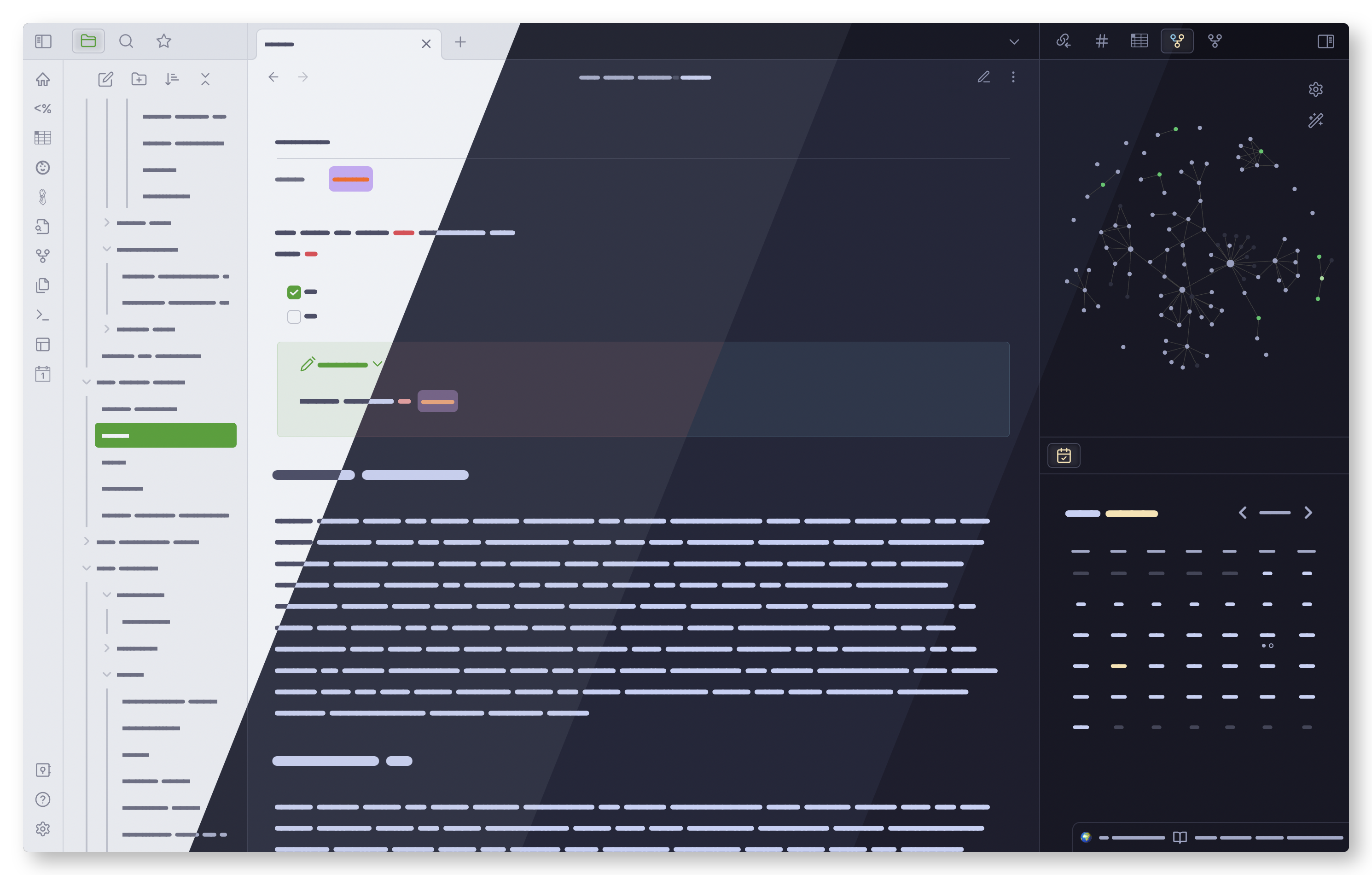
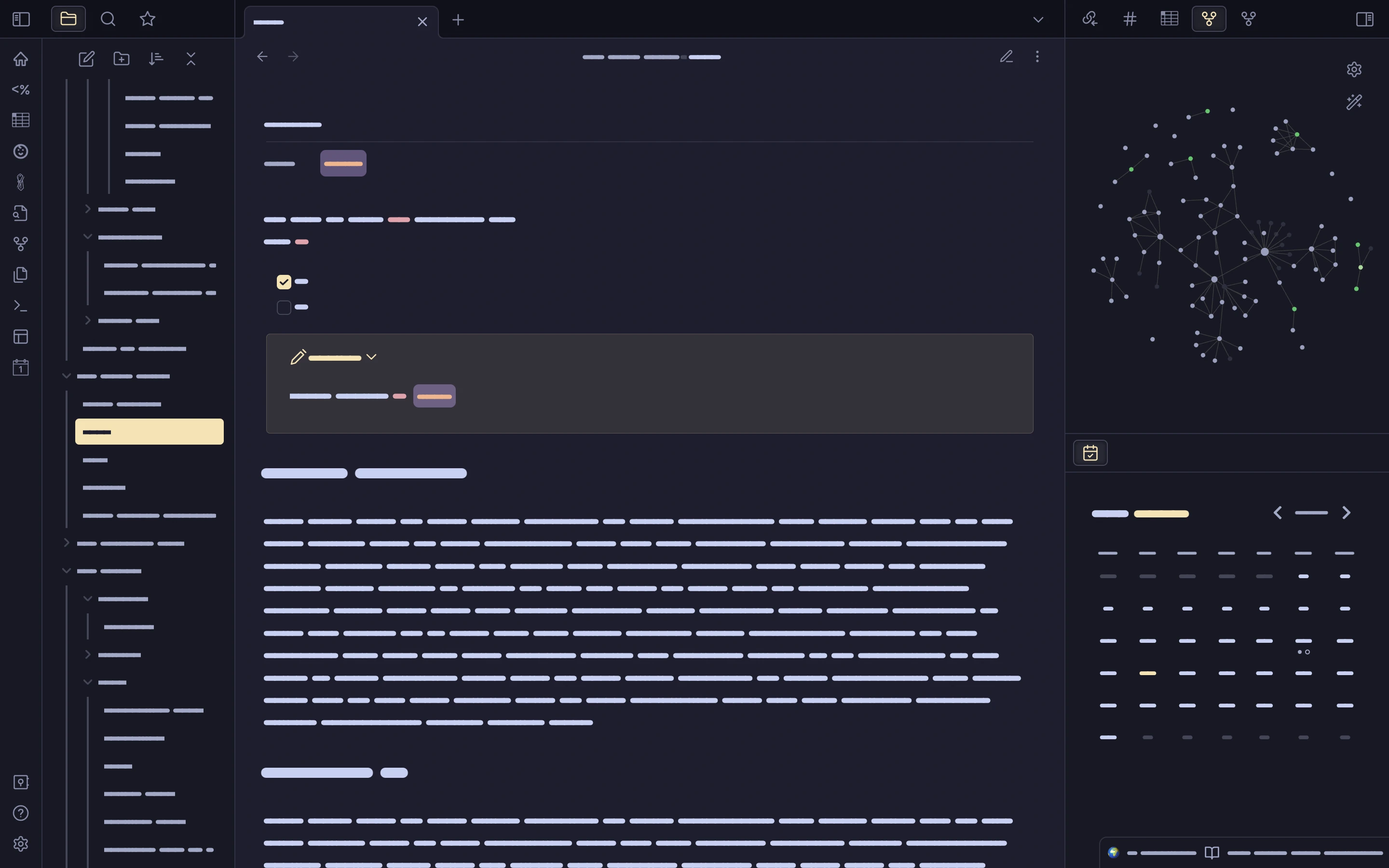
Previews
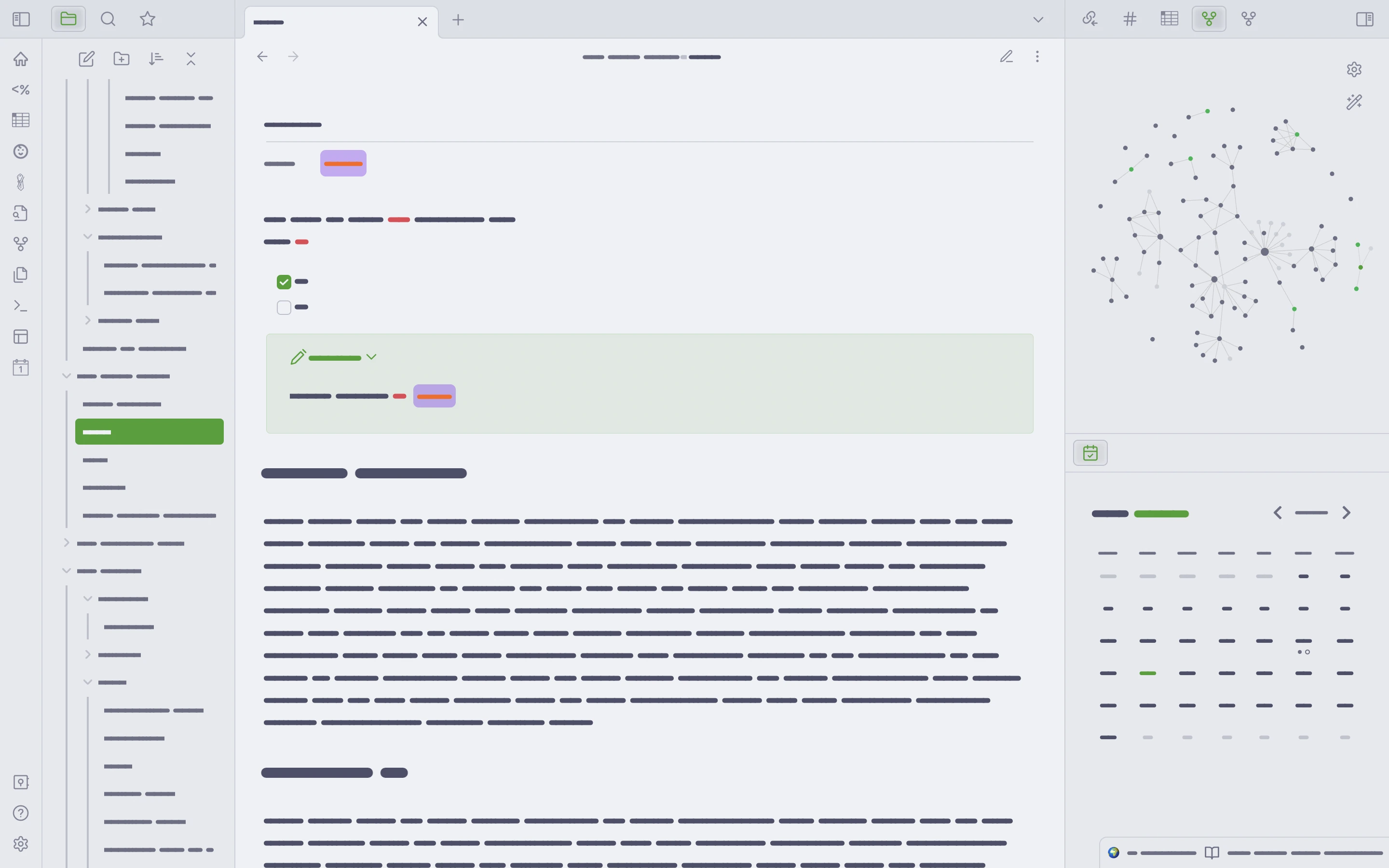
🌻 Latte
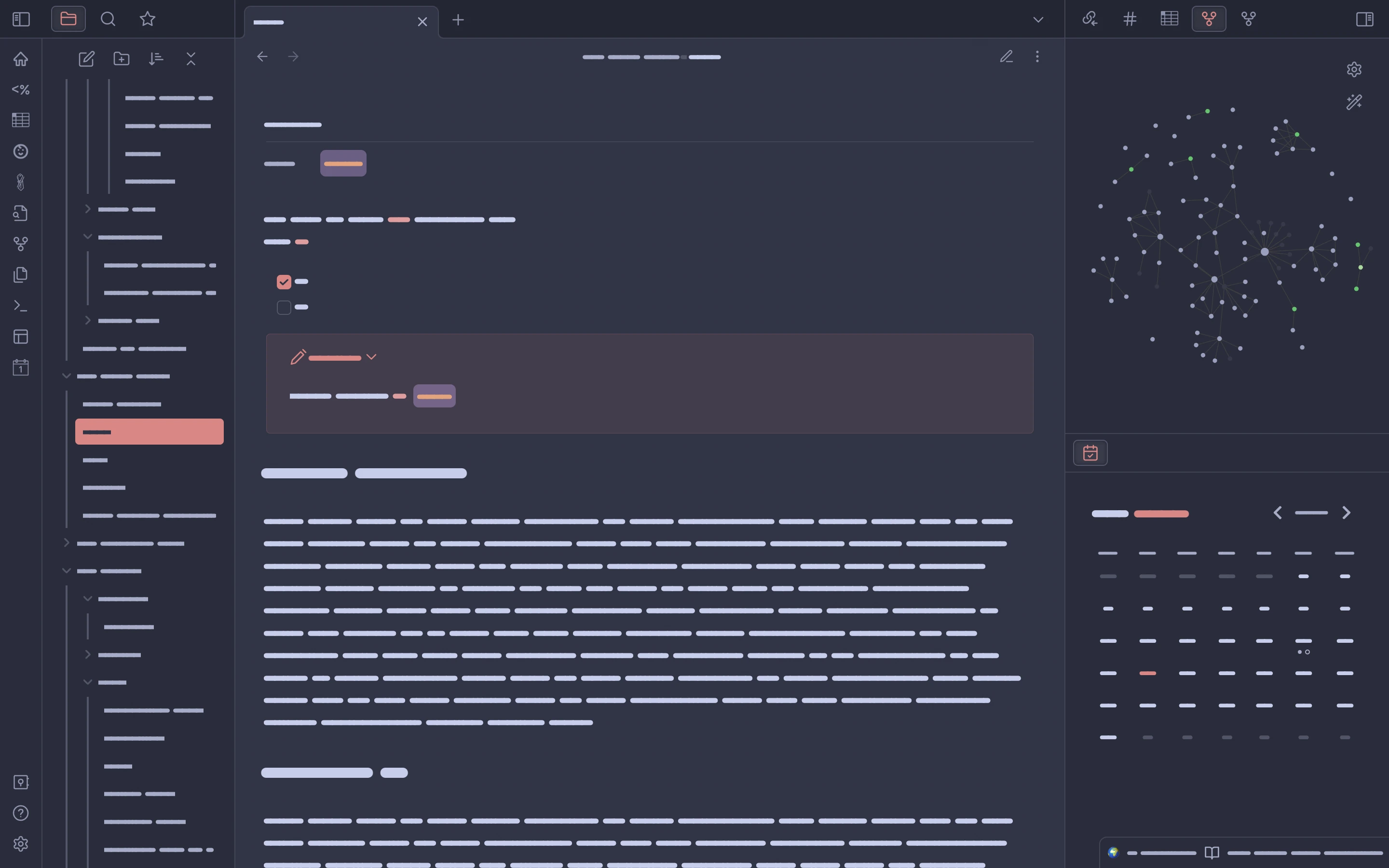
🪴 Frappé
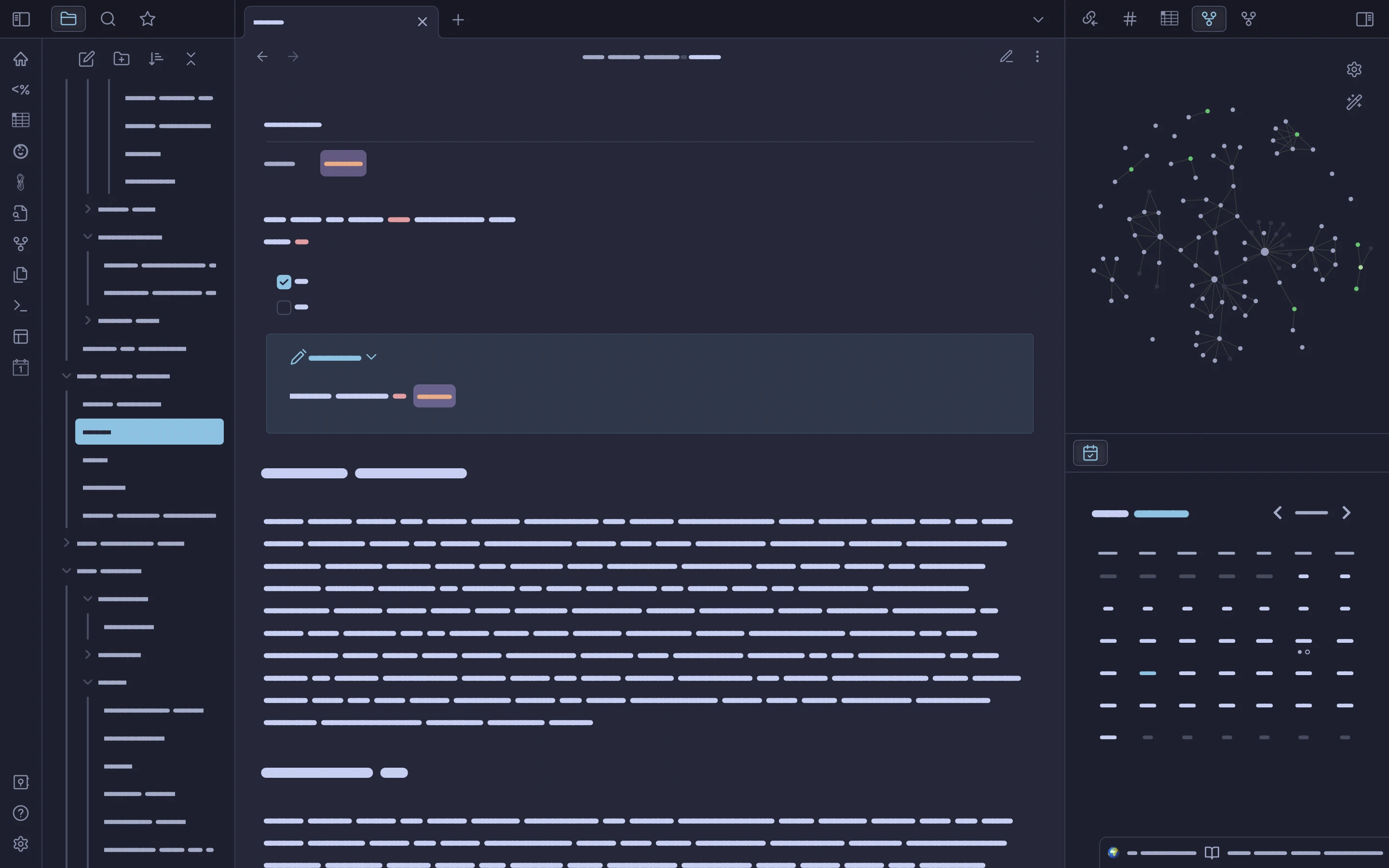
🌺 Macchiato
🌿 Mocha
Usage
[!NOTE]
The theme is a constant work in progress, given the quick development pace of Obsidian itself and the user-made plugin scene.
Currently, the default editor text uses a base64-encoded version of Friedrich Althausen’s font Vollkorn.The theme was also a runner up in 🎉 Obsidian’s 2022 Gems of the Year awards.
Thank you to everyone who voted.
This theme provides the full range of Catppuccin palettes when
used with the
Style Settings
plugin
(see here
for more on using plugins with Obsidian).
This plugin will allow users to pick from several variations on
Catppuccin, including accents for each color in the palette and
one that features the full host of Catppuccin colors (the
default). New options will be exposed through the Style Settings
plugin over time.
Obsidian theme store
To install from the Obsidian theme store:
Open Obsidian and go to Preferences >> Appearance,
click Manage and scroll down to ‘Community Themes.’ Type ’
Catppuccin’ in the filter bar and then click ‘Use’ under the
theme name.
To use Catppuccin Latte, set the Base color scheme option to Light.
For one of the three dark themes, set Base color scheme to Dark.
This defaults to Catppuccin Mocha; install Style Settings as described below to change your dark theme flavor to Frappé or Macchiato.
Style Settings plugin installation and use
A note on Style Settings setup from pitoniak32:
To install Style Settings, open Obsidian’s
Preferences, and navigate to the
OPTIONS section, selectCommunity pluginsand ensure thatRestricted Modeis
off.Now you can search
for “Style Settings”
by mgmeyers.
Once you have the plugin installed, you should be able to see a heading
entryStyle Settingson the left underCOMMUNITY PLUGINSin
thePreferenceswindow.From there you can select, and configure your Catppuccin flavor, and make
customizations :)
Problems?
Obsidian is a large and constantly expanding app with a variety
of use cases and plugins. If you run into theme-related issues or
want CSS adjustments made for your favorite plugin(s),
please open an issue.
While there is
a Discord community
for the theme, using GitHub Issues is good for the development
process, less ephemeral,
and helps other users who need support or want to contribute.
Contributing
See CONTRIBUTING.md.
Plugins
The theme currently has limited CSS for a few plugins
in _plugins.scss.
These include:
- Another Quick Switcher
- Better Command Palette
- Obsidian Git
- Omnisearch
- MAKE.md
Development
See
the Releases
page for the latest news.
💝 Thanks to
- mbeckrich
- AnubisNekhet
- pitoniak32
- hiimsergey
- GabeVilela
- Aidavdw
- Andrea18500
- The talented and kindhearted people in the Obsidian discord’s
CSS channel. In particular:

Copyright © 2021-present Catppuccin Org
