autoskills
One command. Your entire AI skill stack. Installed.
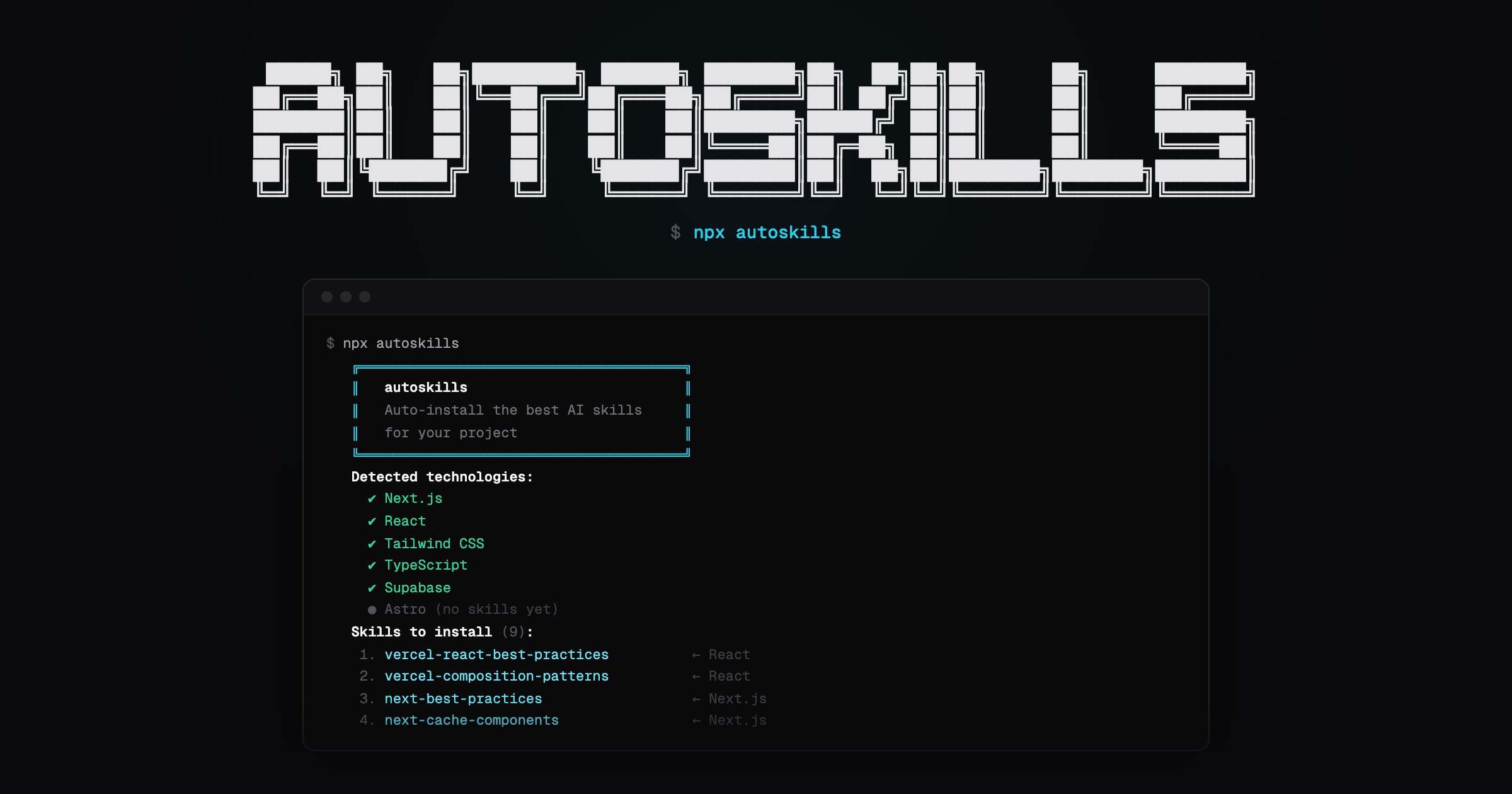
Scans your project, detects your tech stack, and installs curated AI agent skills automatically.
npx autoskills
How it works
- Run
npx autoskillsin your project root - Your
package.json, Gradle files, and config files are scanned to detect technologies - The best matching AI agent skills are selected from the audited autoskills registry
- Only the selected skill files are downloaded from the registry and verified before writing them locally
That’s it. No config needed.
Security model
autoskills does not install directly from random upstream repositories at runtime.
Skills are synced by maintainers into the repository-local autoskills registry, scanned for prompt-injection and supply-chain risks, and recorded with SHA-256 hashes in a manifest. When you run autoskills, the CLI downloads only the skills your project needs from that curated registry, verifies every file against the manifest, and writes a skills-lock.json entry with the installed source and bundle hash.
This keeps the package small while avoiding live downloads from third-party skill sources during installation.
Options
-y, --yes       Skip confirmation prompt
--dry-run       Show what would be installed without installing
-h, --help      Show help message
Supported Technologies
Built to work across modern frontend, backend, mobile, cloud, and media stacks.
- Frameworks & UI: React, Next.js, Vue, Nuxt, Svelte, Angular, Astro, Tailwind CSS, shadcn/ui, GSAP, Three.js
- Languages & Runtimes: TypeScript, Node.js, Go, Bun, Deno, Dart
- Backend & APIs: Express, Hono, NestJS, Spring Boot
- Mobile & Desktop: Expo, React Native, Flutter, SwiftUI, Android, Kotlin Multiplatform, Tauri, Electron
- Data & Storage: Supabase, Neon, Prisma, Drizzle ORM, Zod, React Hook Form
- Auth & Billing: Better Auth, Clerk, Stripe
- Testing: Vitest, Playwright
- Cloud & Infrastructure: Vercel, Vercel AI SDK, Cloudflare, Durable Objects, Cloudflare Agents, Cloudflare AI, AWS, Azure, Terraform
- Tooling: Turborepo, Vite, oxlint
- Media & AI: Remotion, ElevenLabs
Requirements
Node.js >= 22