larachat
An AI chat demo application built with Inertia and React with the useStream hook
Laravel Chat Demo with useStream
A real-time chat application demonstrating the power of Laravel’s useStream hook for React applications. This demo showcases how to build a ChatGPT-like interface with streaming responses, message persistence, and authentication support.
Video Tutorial
Watch the complete tutorial on YouTube:
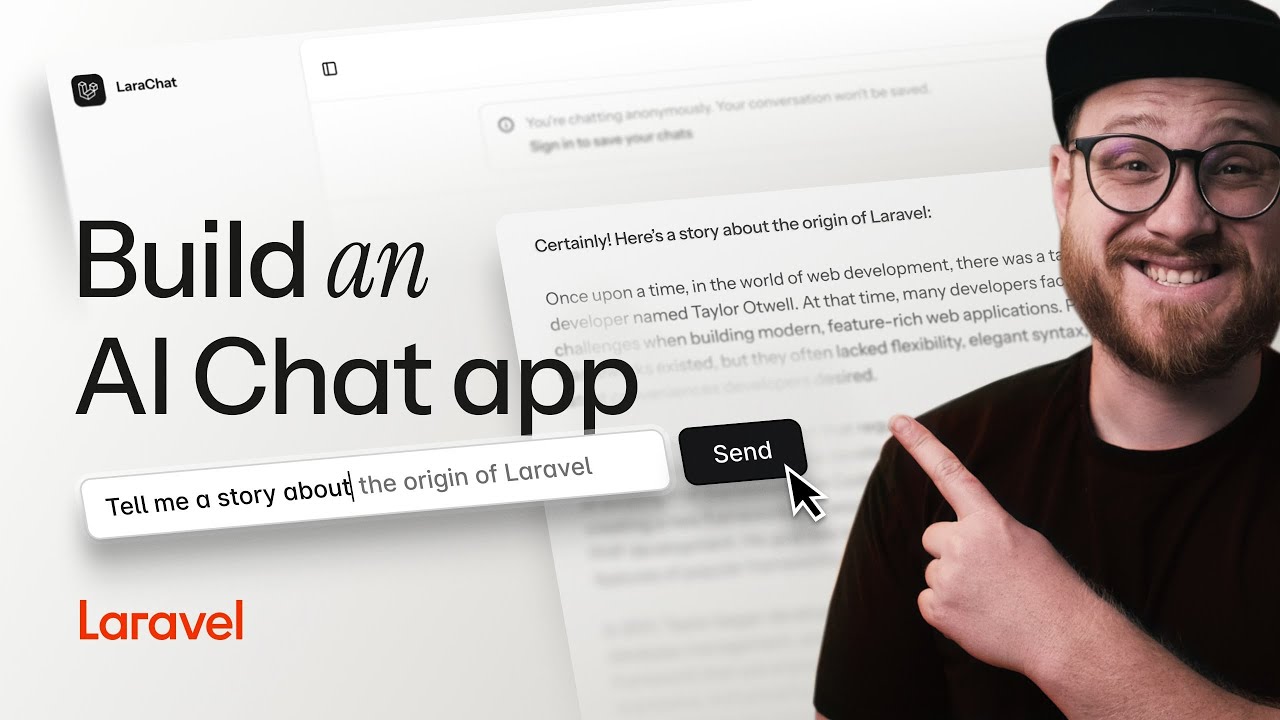
🎥 Watch on YouTube: Building an AI Chat App with Laravel and React useStream
Features
- 🚀 Real-time streaming responses using Server-Sent Events (SSE)
- 💬 ChatGPT-like interface with message history
- 🔐 Optional authentication with message persistence
- 🎯 Automatic chat title generation using
useEventStream - 🎨 Beautiful UI with Tailwind CSS v4 and shadcn/ui
- 📱 Responsive design with mobile support
- 🌓 Dark/light mode with system preference detection
System Requirements
Before getting started, ensure your system meets these requirements:
Required
- PHP 8.2 or higher with the following extensions:
- curl, dom, fileinfo, filter, hash, mbstring, openssl, pcre, pdo, session, tokenizer, xml
- Node.js 22 or higher (for React 19 support)
- Composer 2.x
- SQLite (default database, or MySQL/PostgreSQL if preferred)
- Git (for cloning the repository)
Optional but Recommended
- OpenAI API Key (for AI responses - the app works without it but uses mock responses)
- PHP development server or Laravel Valet for local development
Framework Versions Used
- Laravel 12.0 (latest)
- React 19 (latest)
- Tailwind CSS v4 (beta)
- Inertia.js 2.0
Note: This demo uses cutting-edge versions to showcase the latest features. If you encounter compatibility issues, check the versions above against your local environment.
Quick Start
- Clone the repository and install dependencies:
composer install
npm install
- Set up your environment:
cp .env.example .env
php artisan key:generate
- Configure your OpenAI API key in
.env:
OPENAI_API_KEY=your-api-key-here
- Run migrations and start the development server:
php artisan migrate
composer dev
Note: The
composer devcommand runs multiple processes concurrently (server, queue, logs, and Vite). If you encounter issues, run each command separately in different terminals:# Terminal 1: Laravel server php artisan serve # Terminal 2: Queue worker (for background jobs) php artisan queue:listen # Terminal 3: Vite development server npm run dev
Troubleshooting
Common Setup Issues
“Node.js version too old” error:
- Ensure you have Node.js 22+ installed
- Use
nvmto manage Node.js versions:nvm install 22 && nvm use 22
“Class ‘OpenAI’ not found” error:
- Run
composer installto ensure all PHP dependencies are installed - Check that your
OPENAI_API_KEYis set in.env(or leave it empty for mock responses)
Database connection errors:
- The default setup uses SQLite - ensure the
database/database.sqlitefile exists - If it’s missing, create it with:
touch database/database.sqlite - Then run:
php artisan migrate
Vite build errors with Tailwind CSS v4:
- Clear your npm cache:
npm cache clean --force - Delete
node_modulesand reinstall:rm -rf node_modules && npm install - Ensure you’re using Node.js 22+
“CSRF token mismatch” for streaming:
- Ensure the CSRF meta tag is present in your layout (already included in this demo)
- Clear browser cache and cookies for the local development domain
Using the useStream Hook
The useStream hook from @laravel/stream-react makes it incredibly simple to consume streamed responses in your React application. Here’s how this demo implements it:
Basic Chat Implementation
import { useStream } from '@laravel/stream-react';

function Chat() {
    const [messages, setMessages] = useState([]);
    const { data, send, isStreaming } = useStream('/chat/stream');

    const handleSubmit = (e) => {
        e.preventDefault();
        const query = e.target.query.value;

        // Add user message to local state
        const newMessage = { type: 'prompt', content: query };
        setMessages([...messages, newMessage]);

        // Send all messages to the stream
        send({ messages: [...messages, newMessage] });

        e.target.reset();
    };

    return (
        <div>
            {/* Display messages */}
            {messages.map((msg, i) => (
                <div key={i}>{msg.content}</div>
            ))}

            {/* Show streaming response */}
            {data && <div>{data}</div>}

            {/* Input form */}
            <form onSubmit={handleSubmit}>
                <input name="query" disabled={isStreaming} />
                <button type="submit">Send</button>
            </form>
        </div>
    );
}
Key Concepts
- Stream URL: The hook connects to your Laravel endpoint that returns a streamed response
- Sending Data: The
sendmethod posts JSON data to your stream endpoint - Streaming State: Use
isStreamingto show loading indicators or disable inputs - Response Accumulation: The
datavalue automatically accumulates the streamed response
Backend Stream Endpoint
On the Laravel side, create a streaming endpoint:
public function stream(Request $request)
{
    return response()->stream(function () use ($request) {
        $messages = $request->input('messages', []);

        // Stream response from OpenAI
        $stream = OpenAI::chat()->createStreamed([
            'model' => 'gpt-4',
            'messages' => $messages,
        ]);

        foreach ($stream as $response) {
            $chunk = $response->choices[0]->delta->content;
            if ($chunk !== null) {
                echo $chunk;
                ob_flush();
                flush();
            }
        }
    }, 200, [
        'Content-Type' => 'text/event-stream',
        'Cache-Control' => 'no-cache',
        'X-Accel-Buffering' => 'no',
    ]);
}
Using the useEventStream Hook
This demo showcases useEventStream for real-time updates. When you create a new chat, it initially shows “Untitled” but automatically generates a proper title using OpenAI and streams it back in real-time.
Key Implementation Details
The critical configuration for useEventStream is using eventName (not event) and handling the MessageEvent properly:
import { useEventStream } from '@laravel/stream-react';

function TitleGenerator({ chatId, onTitleUpdate, onComplete }) {
    const { message } = useEventStream(`/chat/${chatId}/title-stream`, {
        eventName: "title-update",  // Use 'eventName', not 'event'
        endSignal: "</stream>",
        onMessage: (event) => {      // Receives MessageEvent object
            try {
                const parsed = JSON.parse(event.data);
                if (parsed.title) {
                    onTitleUpdate(parsed.title);
                }
            } catch (error) {
                console.error('Error parsing title:', error);
            }
        },
        onComplete: () => {
            onComplete();
        },
        onError: (error) => {
            console.error('EventStream error:', error);
            onComplete();
        },
    });

    return null; // This is a listener component
}
Multiple EventStream Consumers
You can have multiple components listening to the same EventStream for different purposes:
// Component 1: Updates conversation title
<TitleGenerator
    chatId={chat.id}
    onTitleUpdate={setConversationTitle}
    onComplete={() => setShouldGenerateTitle(false)}
/>

// Component 2: Updates sidebar
<SidebarTitleUpdater
    chatId={chat.id}
    onComplete={() => setShouldUpdateSidebar(false)}
/>
Backend EventStream Implementation
The Laravel backend uses response()->eventStream() to generate and stream title updates:
use Illuminate\Http\StreamedEvent;

public function titleStream(Chat $chat)
{
    $this->authorize('view', $chat);

    return response()->eventStream(function () use ($chat) {
        // If title already exists, send it immediately
        if ($chat->title && $chat->title !== 'Untitled') {
            yield new StreamedEvent(
                event: 'title-update',
                data: json_encode(['title' => $chat->title])
            );
            return;
        }

        // Generate title using OpenAI
        $firstMessage = $chat->messages()->where('type', 'prompt')->first();

        $response = OpenAI::chat()->create([
            'model' => 'gpt-4o-mini',
            'messages' => [
                [
                    'role' => 'system',
                    'content' => 'Generate a concise, descriptive title (max 50 characters) for a chat that starts with the following message. Respond with only the title, no quotes or extra formatting.'
                ],
                ['role' => 'user', 'content' => $firstMessage->content]
            ],
            'max_tokens' => 20,
            'temperature' => 0.7,
        ]);

        $title = trim($response->choices[0]->message->content);
        $chat->update(['title' => $title]);

        // Stream the new title
        yield new StreamedEvent(
            event: 'title-update',
            data: json_encode(['title' => $title])
        );

    }, endStreamWith: new StreamedEvent(event: 'title-update', data: '</stream>'));
}
EventStream Route Configuration
Route::middleware('auth')->group(function () {
    Route::get('/chat/{chat}/title-stream', [ChatController::class, 'titleStream'])
        ->name('chat.title.stream');
});
How It Works
- User sends first message → AI response streams back via
useStream - Response completes → Triggers EventStream for title generation
- Server generates title → Uses OpenAI to create descriptive title
- EventStream sends update → Both conversation header and sidebar update in real-time
- Components unmount → Clean up after receiving title
This creates a seamless experience where users see titles generated and updated live without any page refreshes.
Advanced Features in This Demo
- Authentication Support: Authenticated users get their chats persisted to the database
- Dynamic Routing: Different stream URLs for authenticated vs anonymous users
- Message Persistence: Completed responses are added to the message history
- Real-time Title Generation: Event streams automatically update chat titles
- Error Handling: Graceful fallbacks for API failures
Project Structure
resources/js/
├── pages/
│   └── chat.tsx          # Main chat component with useStream
├── components/
│   ├── conversation.tsx  # Message display component
│   └── ui/              # shadcn/ui components
└── layouts/
    └── app-layout.tsx   # Main application layout
Why useStream Needs CSRF Tokens (Even with Inertia)
If you’re familiar with Inertia.js, you might wonder why we need to handle CSRF tokens manually when using useStream. Here’s the key distinction:
Inertia Forms vs Stream Endpoints
Inertia Forms use the useForm helper:
// Standard Inertia approach - CSRF handled automatically
const form = useForm({ message: '' });
form.post('/chat'); // Returns an Inertia response
Stream Endpoints require manual CSRF handling:
// Streaming approach - needs CSRF token
const { send } = useStream('/chat/stream'); // This is a POST to an API endpoint
Why the Difference?
- Different Response Types: Inertia expects a page component response, while streaming endpoints return Server-Sent Events (SSE)
- Direct API Calls: The
useStreamhook makes direct POST requests to your endpoint, bypassing Inertia’s request lifecycle - No Automatic CSRF: Since it’s not an Inertia request, CSRF tokens aren’t automatically included
Setting Up CSRF for Streams
Add the CSRF meta tag to your layout:
<meta name="csrf-token" content="{{ csrf_token() }}">
The useStream hook automatically reads this token, or you can provide it explicitly:
const { send } = useStream('/chat/stream', {
    csrfToken: document.querySelector('meta[name="csrf-token"]')?.getAttribute('content')
});
This separation actually gives you more flexibility - you can have both traditional Inertia pages and real-time streaming features in the same application!
Learn More
- Prism by Echo Labs - Alternative Laravel package for AI integration (supports multiple providers)
- Laravel Stream Documentation
- Server-Sent Events in Laravel
- OpenAI PHP Client - Used in this demo for OpenAI integration
License
This demo is open-sourced software licensed under the MIT license.